MySelah 2.0 for Windows
Space to read. Room to reflect.
Discover Scripture, study a passage, and develop your ideas in a personal desktop workspace. MySelah 2.0 is available now for Windows.
MySelah 2.0 for Windows
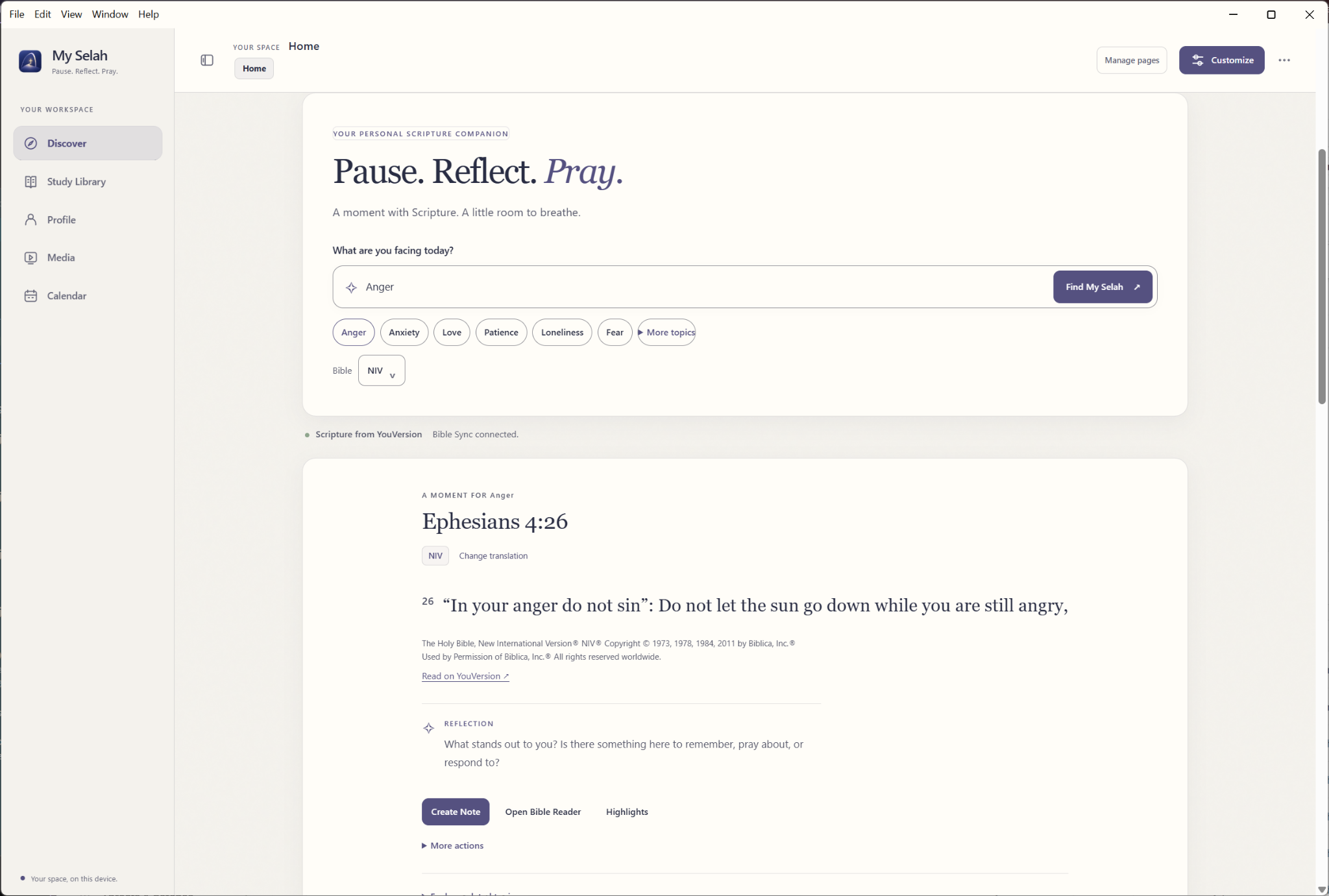
Discover & Read
Begin with a topic, spend time with a passage, and make room for reflection. Scripture discovery brings passages and prompts together, with actions to create a note or continue in the Bible Reader. Scripture Walls offer another way to gather and arrange verses in your workspace.
MySelah 2.0 for Windows
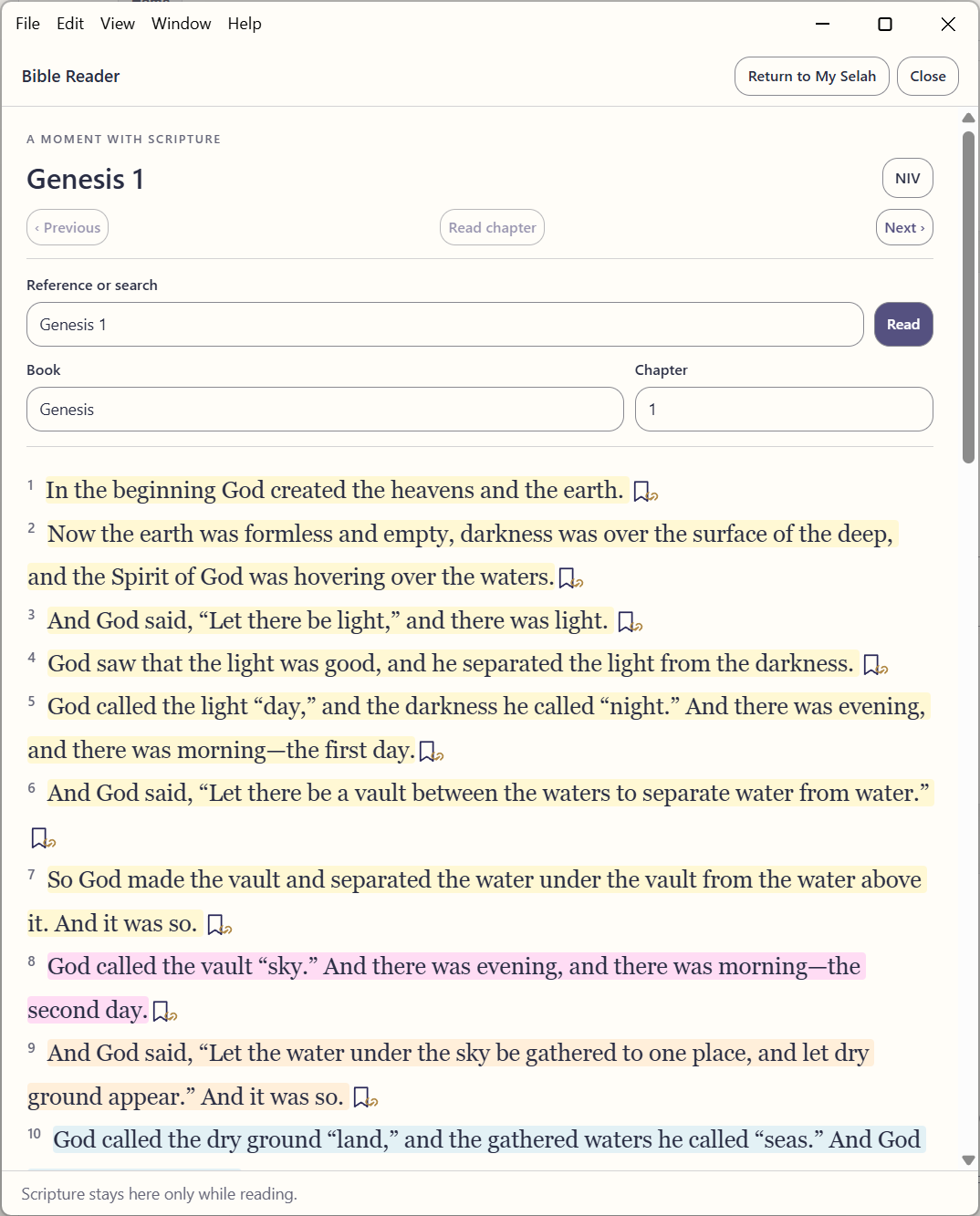
Bible Reader
Give the passage its own reading space. Move between books and chapters, find a reference, and highlight verses as you read. The Bible Reader is shown here with Genesis 1 in a portrait window.
MySelah 2.0 for Windows
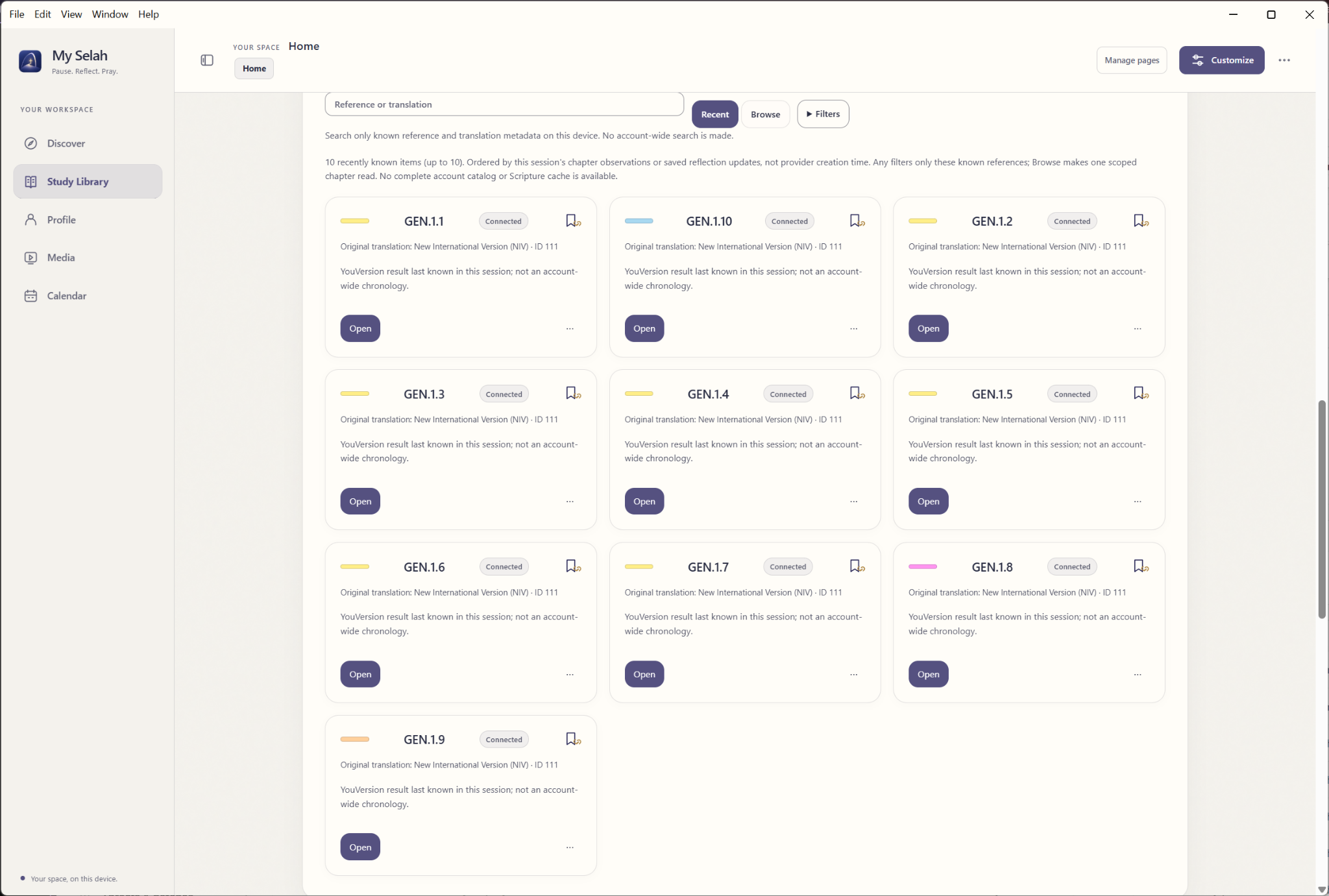
Study Library
Keep Notes, Journal entries, Highlights, and Documents together in the Study Library. Return to recent Scripture references, browse your work, and use filters to find what you need. Notes and Journal entries use Scribe editing for richer reflection.
MySelah 2.0 for Windows
Scribe
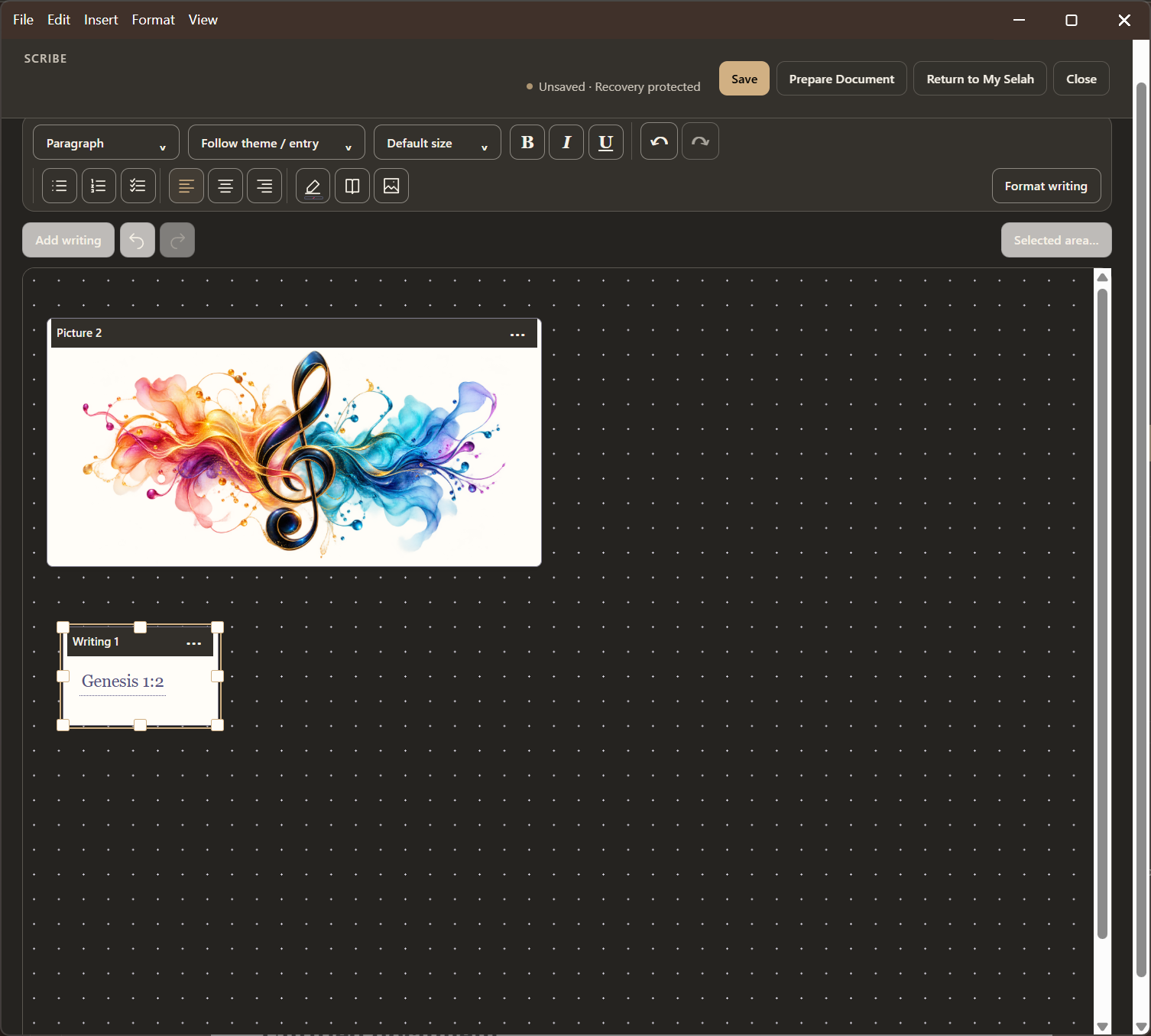
Bring writing, images, and Scripture references together on a canvas. Scribe gives ideas room to grow, with formatting controls close to the work and PDF or Word export for documents you want to share.
MySelah 2.0 for Windows
Music
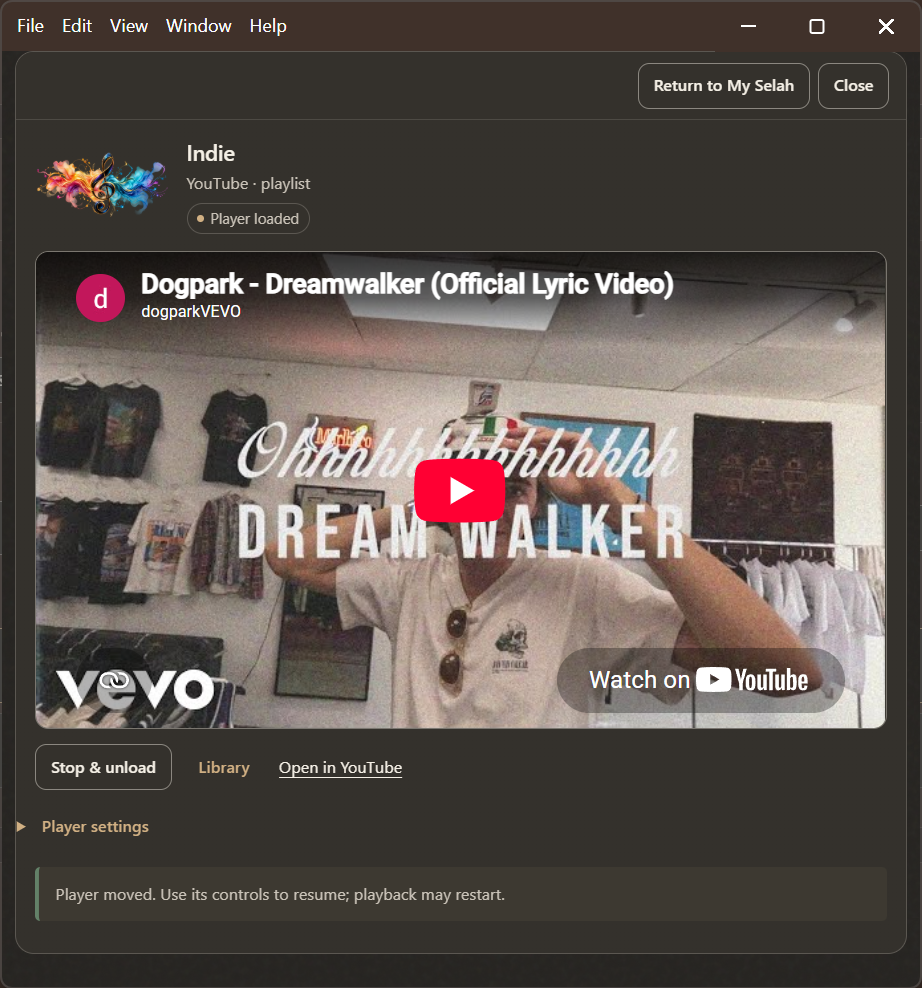
Make room for music alongside reading and reflection. Import audio, organize playlists, or save YouTube and Spotify sources, with a detached player to keep controls nearby. Connected services require internet access and follow their providers’ policies.
MySelah 2.0 for Windows
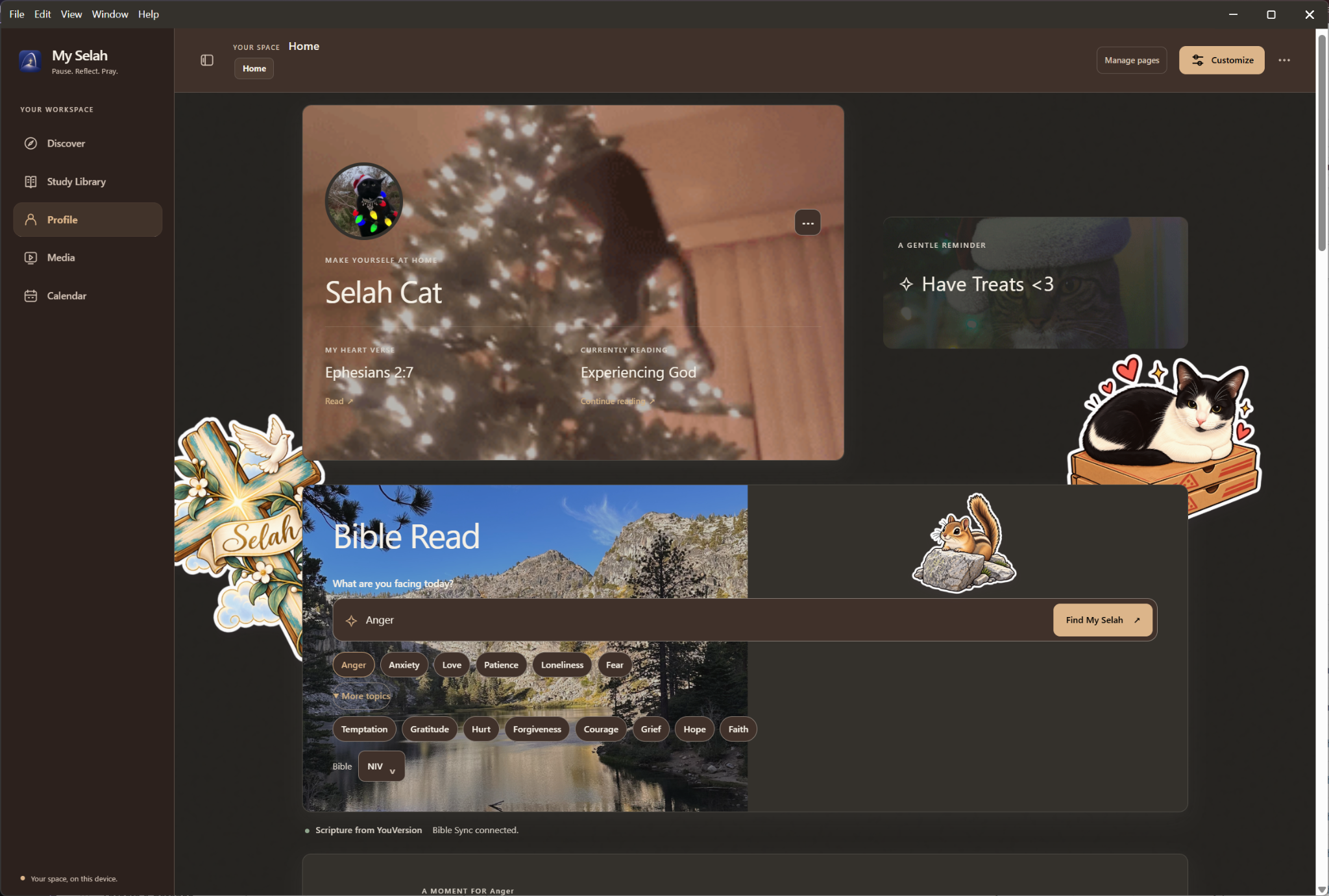
A workspace of your own
Choose layouts, themes, colors, typography, imagery, and decorations that suit your rhythm. Calendar brings events, dated items, and reminders into the workspace. Your work stays local, with .selahpack backup and restore to help you keep it safe.